

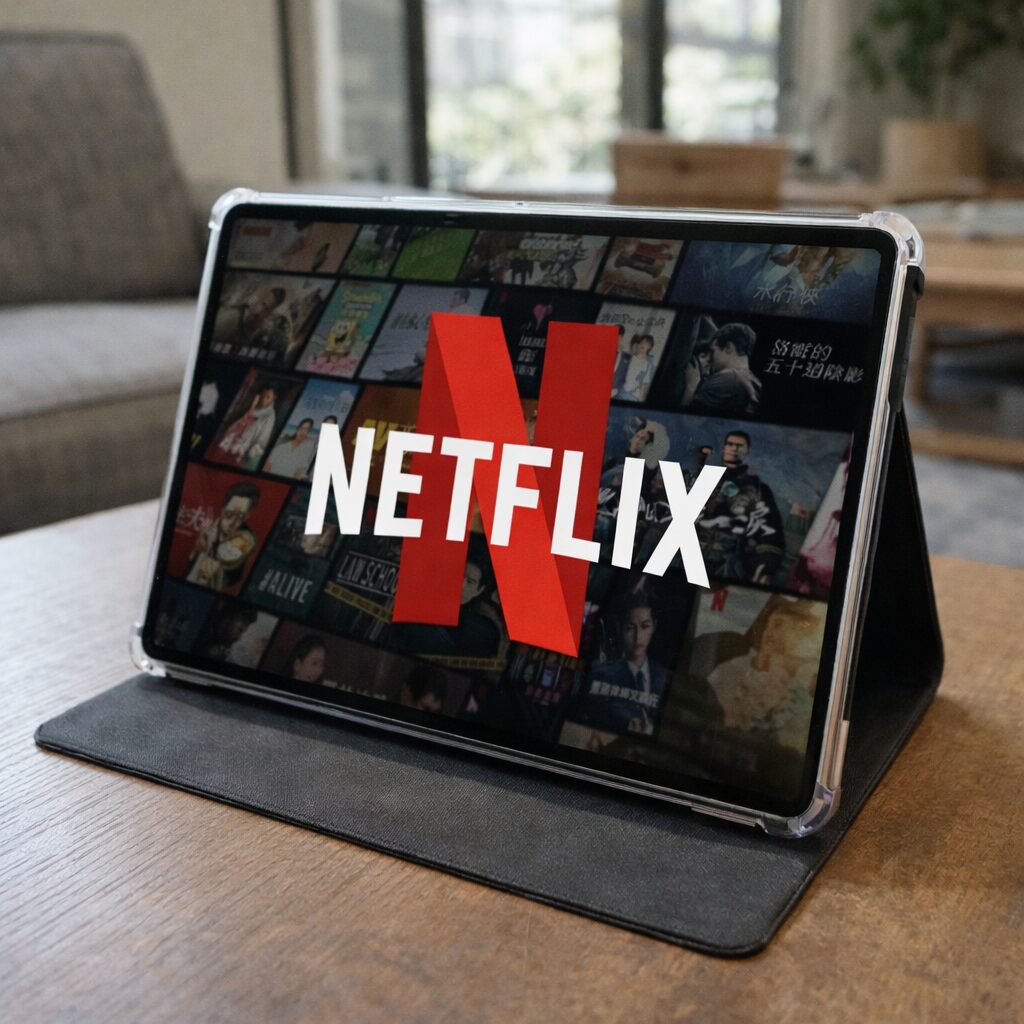
If you’re shopping under $100, tablets usually fall into two groups: “cheap and painful” or “cheap and surprisingly good.” The COLORROOM 11-inch Android 16 tablet fits the second. It’s not competing with an iPad but aims to be a comfortable, modern screen for streaming, reading, schoolwork, and video calls. For the price, it does a lot right.
Affiliate disclosure: This post contains Amazon affiliate links. If you buy through these links, I may earn a small commission at no extra cost to you.
✅ Pros
- Big 11-inch display is great for videos, reading, and split-screen basics
- Android 16 feels current and smooth for everyday use
- Wi-Fi 6 support helps with faster, more stable streaming on modern routers
- Widevine L1 is a big win if you watch Netflix/Prime/other services in HD
- 8000mAh battery easily covers a day of casual use, and 18W charging is solid
- 128GB storage plus microSD expansion up to 1TB is very practical
- Dual stereo speakers are loud and clear enough for travel and casual watching
- Face unlock is convenient for quick access
❗️Cons
- 1280×800 on an 11-inch screen isn’t “sharp” (text and icons won’t look premium)
- The “32GB RAM” claim includes virtual RAM (real RAM is 4GB), so multitasking has limits
- Not ideal for heavy gaming or demanding creative apps
What it’s like to use day to day
The main reason this tablet works is simple: it feels responsive for the stuff most people actually do. Launching apps, browsing, YouTube, scrolling social feeds, reading PDFs, and hopping on video calls all feel normal. You’re not constantly waiting for it to “catch up,” which is the biggest problem with a lot of bargain tablets.
The Unisoc octa-core chip is clearly chosen for efficiency rather than raw power, and that’s fine here. If your expectations are “media + learning + light productivity,” it fits. If your expectations are “play heavy games at high settings and edit 4K video,” this isn’t that tablet.
Display: big and comfortable, but not razor sharp
The 11-inch screen is the star of the show. It’s simply more enjoyable to watch videos and read on a larger display, especially compared to 8-inch budget tablets.
The tradeoff is resolution: 1280×800 on 11 inches looks okay for streaming and casual reading, but you will notice it’s not super crisp, especially with small text. If you’re very sensitive to sharpness, you may prefer a 1080p or 2K tablet. If you mainly want a bigger screen for content and school use, it’s absolutely usable.
The “anti-blue light” and auto brightness features are nice bonuses for long sessions, particularly at night.
Streaming: Widevine L1 is the sleeper feature
A lot of cheap tablets advertise great specs but quietly fail at streaming quality. Widevine L1 matters because it’s what allows many major streaming apps to play in HD. Having it here is a strong value point if you plan to use this tablet for Netflix/Prime/Disney+ style viewing.
Battery and charging: strong for the price
An 8000mAh battery in a budget tablet is exactly what you want: predictable, all-day casual use. For mixed use (video + browsing + reading), the claimed 8–10 hours is believable in the “normal person” sense. And 18W charging means you’re not stuck charging overnight every time. It’s not flagship-fast, but it’s definitely not slow.
Audio: better than expected
Dual stereo speakers won’t replace headphones, but they’re good enough to watch movies in a hotel room, listen to YouTube while cooking, or take calls without immediately reaching for earbuds. For a budget tablet, “clear and loud enough” is already a win.
Storage: the practical win
128GB built-in storage is generous at this price. Add the option to expand up to 1TB via microSD (sold separately), and it becomes a great travel/media tablet. Download shows, store photos, keep offline files, and you won’t constantly be managing space.
One important note: the “32GB RAM” listed is 4GB physical RAM plus virtual RAM. Virtual RAM can help keep things smoother in some cases, but it doesn’t turn the tablet into a high-end multitasking machine. Use it realistically, and it’s fine.
Who should buy this
- Students who want a big screen for learning apps, reading, and Zoom calls
- Anyone who wants a cheap Netflix/YouTube tablet with HD streaming support
- Travelers who want long battery life and expandable storage
- Families who want a shared tablet for light use without spending much
Who should skip it
- You want a crisp high-resolution display for lots of text work
- You plan to play demanding games or do heavy editing
- You need premium build quality and top-tier cameras
The COLORROOM 11-inch Android 16 tablet is a solid budget pick because it focuses on the things that matter: a big screen, modern software, good battery life, Wi-Fi 6, and the streaming-friendly Widevine L1 feature. Keep expectations realistic about display sharpness and performance, and it’s a surprisingly good “everyday tablet” for under $100.