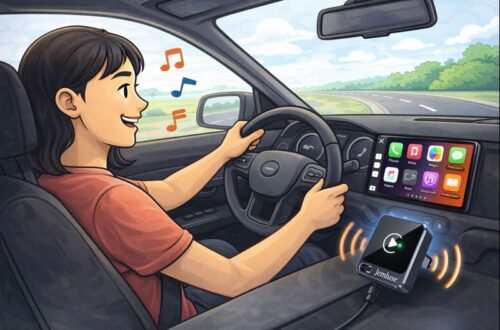
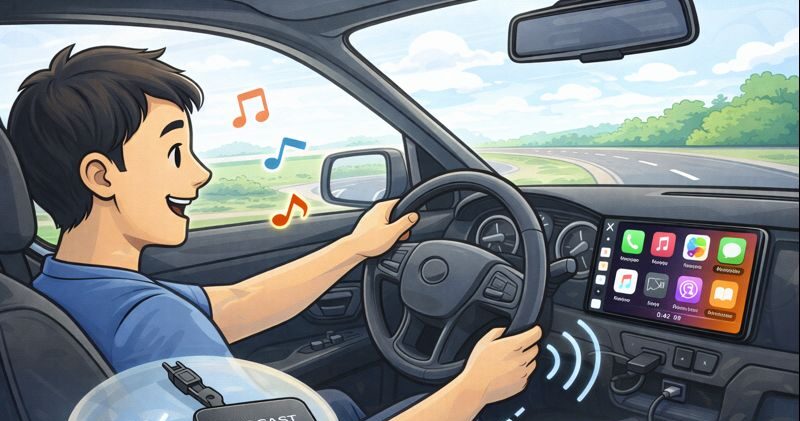
TL;DR: This tiny Burnt Sugar dongle turns wired CarPlay into wireless. Plug in once, pair once, then it auto-connects every drive with minimal lag and no messy cables. Works only with cars that already have wired CarPlay (not Tesla or BMW).
Affiliate disclosure: This post contains Amazon affiliate links. If you buy through these links, I may earn a small commission at no extra cost to you.
If your car has wired Apple CarPlay, you already know the little daily annoyance: you get in, you plug in, you unplug, you repeat forever. It’s not hard, it’s just… one more thing.
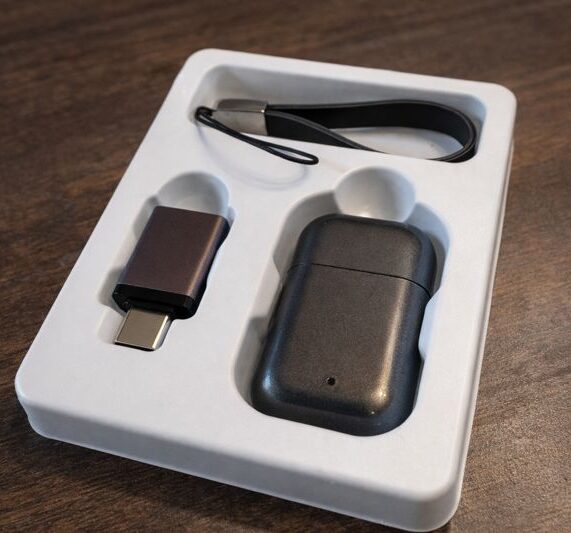
Adapters like this exist to delete that habit from your life. The Burnt Sugar wireless CarPlay adapter is the “ultra-mini USB dongle” style, meaning it’s designed to sit quietly in your USB port without a box dangling around like a keychain.
✅ Pros
- makes wired CarPlay wireless with a simple setup
- auto-reconnect is the whole point and it’s how it’s designed to work
- compact dongle design keeps the cabin clean
- dual-band Wi-Fi + Bluetooth 5.3 is a good combo for stability (on paper)
- great value if you catch it at a discounted price
⚠️ Cons
- CarPlay-only, no Android Auto support
- must already have wired CarPlay in the car
- not compatible with Tesla or BMW (per listing)
- if you have multiple iPhones in the car, you may need to manage which one connects first
🎯 Who should buy it
This makes the most sense if:
- your car is 2016+ with wired CarPlay
- you do lots of short trips and are tired of plugging in constantly
- you want a clean, minimal look without extra cables
- you mainly use CarPlay for maps, music, and calls
📦 What this adapter does (and what it doesn’t)
This is a wired-to-wireless adapter for Apple CarPlay. Translation:
- it only works if your car already supports wired CarPlay
- it turns that wired connection into wireless CarPlay
- it supports iPhones on iOS 10+ (per the listing)
- it does not add CarPlay to cars that don’t have it
Also important: it’s not meant for Tesla or BMW according to the listing, so if you’re in those camps, this one’s a no-go.
🔌 Setup and daily use: plug, pair, done
The best CarPlay adapters all behave the same way:
- plug it into the USB port you normally use for wired CarPlay
- pair your iPhone once (Bluetooth handshake, then Wi-Fi handles the data)
- after that, it reconnects automatically when you start the car
This one is marketed as plug and play with auto connection, and that’s exactly the workflow you want. No extra apps, no “open this companion app every time,” no weird logins.
⚡ Performance: does it feel laggy?
This adapter advertises low latency using Bluetooth 5.3 plus dual-band Wi-Fi (2.4GHz + 5.8GHz). In real life, any wireless CarPlay adapter will introduce a small delay compared to a cable, but the question is whether it’s annoying.
For normal driving use, the “good” experience looks like this:
- maps update smoothly
- music controls respond quickly
- calls connect without awkward delays
- Siri works without feeling like it’s thinking about life choices
If you mostly use CarPlay for navigation, podcasts, music, and calls, the slight wireless delay is usually a non-issue after day one. Where you notice it most is rapid tapping around menus or skipping tracks like a DJ. For normal humans, it’s fine.
🧠 The best part is the clean install
The ultra-mini form factor is the real quality-of-life upgrade. Larger adapters often dangle or bounce around, which looks messy and can cause disconnects if the cable shifts.
This one is designed to be:
- tiny
- stable
- basically invisible once plugged in
If you care about a clean dashboard and hate clutter, that’s a win.
Bottom line
This Burnt Sugar adapter is a simple, budget-friendly way to turn wired CarPlay into wireless, with the kind of tiny “USB dongle” design that doesn’t clutter your interior. If your car already supports wired CarPlay and you just want it to connect automatically when you start the engine, this is one of those small upgrades that makes your car feel newer with almost zero effort.