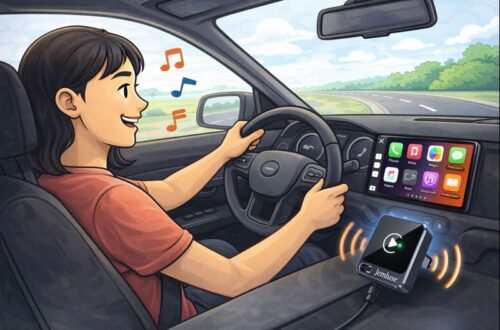
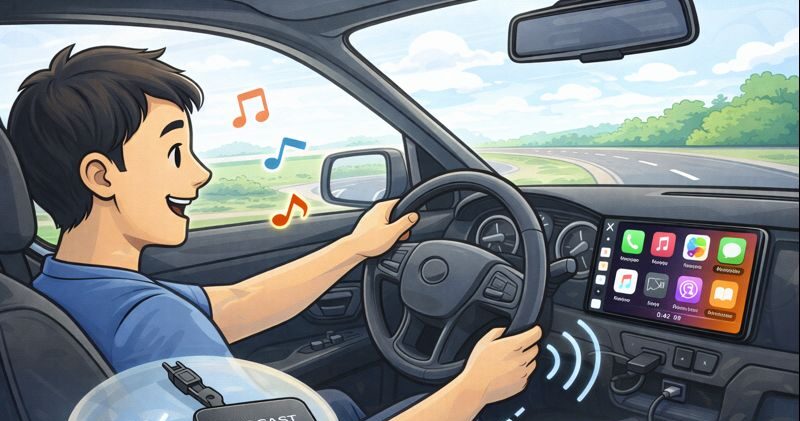
TL;DR: I tested the OTTOCAST Mini 3.0 in older factory setups. Setup took minutes, it auto-connects reliably, stays stable on 5GHz Wi-Fi, and keeps controls feeling stock. There may be slight wireless lag, but maps, music, and calls still feel natural.
Affiliate disclosure: This post contains Amazon affiliate links. If you buy through these links, I may earn a small commission at no extra cost to you.
If your car has wired CarPlay or Android Auto, you already know the routine: get in, plug in, unplug when you leave, repeat forever. It works… but it’s annoying. The OTTOCAST Mini 3.0 (Pot) is the kind of gadget I usually side-eye, because a lot of “wireless adapters” are flaky, laggy, or mysteriously disconnect at the worst moment.
This one surprised me in a good way.
What it is (and who it’s for)
The OTTOCAST Mini 3.0 is a 2-in-1 wireless CarPlay + wireless Android Auto adapter. It’s designed for cars that already support wired CarPlay or wired Android Auto (the listing says 2016+). You plug the adapter into the car’s USB port, pair your phone once, and after that it’s basically “start the car → the apps appear.”
If your car doesn’t have wired CarPlay/Android Auto, this won’t magically add it. Think of it as a wireless upgrade, not a full system replacement.
Cars it was tested on (older daily drivers)
Because compatibility can be the make-or-break with these adapters, here are the vehicles I used for testing (all with factory head units that support wired CarPlay/Android Auto):
- 2016 Honda Civic (CarPlay)
- 2017 Volkswagen Golf (CarPlay + Android Auto)
- 2016 Ford Focus with SYNC 3 (Android Auto after software update, plus CarPlay)
These are “older” in CarPlay years, and they’re exactly the kind of cars where you want a simple upgrade without changing the head unit.
Setup: genuinely simple
Setup is refreshingly straightforward:
- Plug the OTTOCAST into the USB port that normally runs CarPlay/Android Auto.
- Turn the ignition on.
- Pair your phone (Bluetooth handshake, then it uses Wi-Fi for the main connection).
- Done.
After that first pairing, the “auto connect” behavior is the star feature. In my use, it typically reconnected within a short moment after the infotainment system finished booting. No extra taps, no “connect now?” prompts, no ritual sacrifices.
The real test: daily use performance
Wireless stability
The biggest compliment I can give: it behaved like something the car came with. City driving, errands, longer trips, and lots of start/stop cycles, I didn’t get the random disconnects that ruin cheaper adapters. The 5GHz Wi-Fi link seems to help keep things stable and responsive.
Latency (the “is there lag?” question)
Yes, there’s a tiny bit of latency, because wireless is wireless. But it stayed in the “I notice it if I look for it” zone, not the “why is my screen reacting in slow motion?” zone. Navigation, switching apps, and music controls felt normal. Phone calls and voice assistants were also solid, with no annoying echo or major delay.
Controls: everything stays familiar
Touchscreen controls, steering wheel buttons, and the factory infotainment interface all worked as expected. That’s a big deal: you’re not learning a new UI, you’re just making your existing one wireless.
Design: small, secure, doesn’t flop around
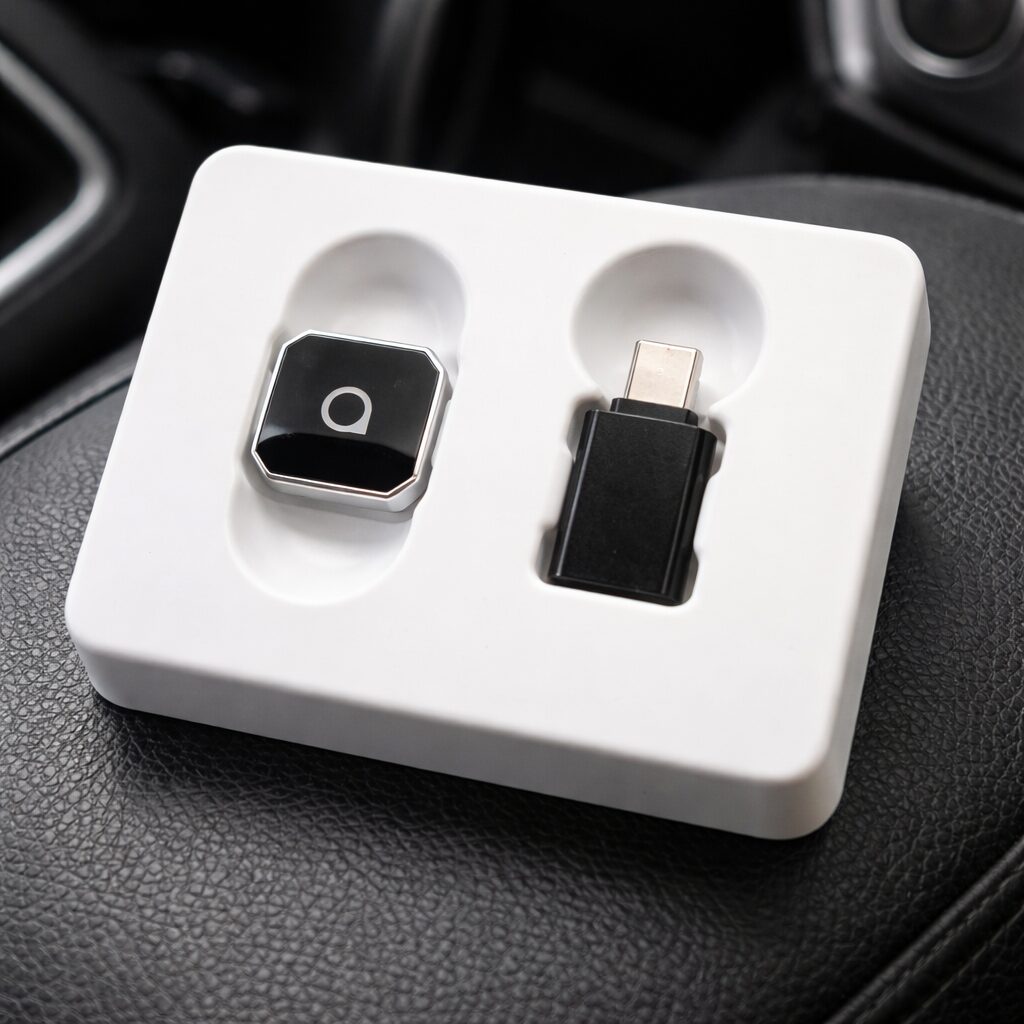
Physically, it’s compact and easy to hide. I liked the tapered connector design because it sat snugly without feeling like it would wiggle loose over bumps. It’s the kind of detail you don’t think about until you’ve used an adapter that disconnects because it shifted half a millimeter.
Pros
- Reliable auto reconnect after the first pairing
- Stable wireless connection (5GHz Wi-Fi helps)
- Low-latency feel for maps, music, and day-to-day controls
- Keeps factory controls intact (touchscreen + steering wheel)
- Small and clean install (no messy dangling box)
- 2-in-1 support for CarPlay and Android Auto is great for mixed-phone households
- 2-year warranty adds peace of mind
Cons (realistic expectations)
- Only works if your car already supports wired CarPlay/Android Auto
- Like all wireless adapters, there can be minor latency compared with a cable (usually not a big deal, but it exists)
- If you have multiple phones in the car, you may need to manage which one auto-connects first (common issue with wireless CarPlay/AA setups in general)
Who should buy it
Buy it if:
- You’re tired of plugging in every drive
- Your car supports wired CarPlay/Android Auto and you want the cleanest upgrade
- You share the car with both iPhone and Android users and want one adapter that can handle both
Skip it if:
- Your car doesn’t have wired CarPlay/Android Auto
So…
The OTTOCAST Mini 3.0 is one of those upgrades that makes your car feel newer without touching the head unit. The best part is that it doesn’t demand attention: it connects, it stays connected, and it lets you get on with driving.
If you want wireless CarPlay/Android Auto without turning your commute into a troubleshooting session, this is a genuinely easy recommendation.